Home › Resources › Cross-Site Scripting (XSS)
Cross-Site Scripting (XSS)
An attack that injects malicious script into pages viewed by other users.
Executive Summary
Cross-site scripting, or XSS, is a class of web attack in which an attacker gets malicious script to run in another user's browser through a vulnerable application. Because the script runs in the victim's session, it can steal data, hijack accounts, or manipulate the page. The core defense is treating all untrusted data as data, using proper output encoding and a strong content security policy.
What It Is
XSS happens when an application includes untrusted data in a web page without safely neutralizing it, so a browser interprets that data as executable script. There are three common forms. Stored XSS saves the malicious content on the server, for example in a comment, so it runs for everyone who views it. Reflected XSS bounces attacker-supplied input straight back in a response, typically through a crafted link. DOM-based XSS occurs entirely in the browser when client-side code writes untrusted data into the page unsafely. In all forms the underlying problem is the same: data that should be displayed is instead executed.
Why It Matters
Because XSS runs in the victim's browser with the victim's privileges, it can do whatever the user can do on that site. That includes stealing session tokens, reading and changing displayed data, submitting actions as the user, and capturing keystrokes such as credentials. Stored XSS is especially dangerous because a single injected payload can affect many users automatically. XSS is a persistent, high-frequency finding in web assessments, so understanding and preventing it is a baseline skill for anyone building or testing web applications.
How It Works
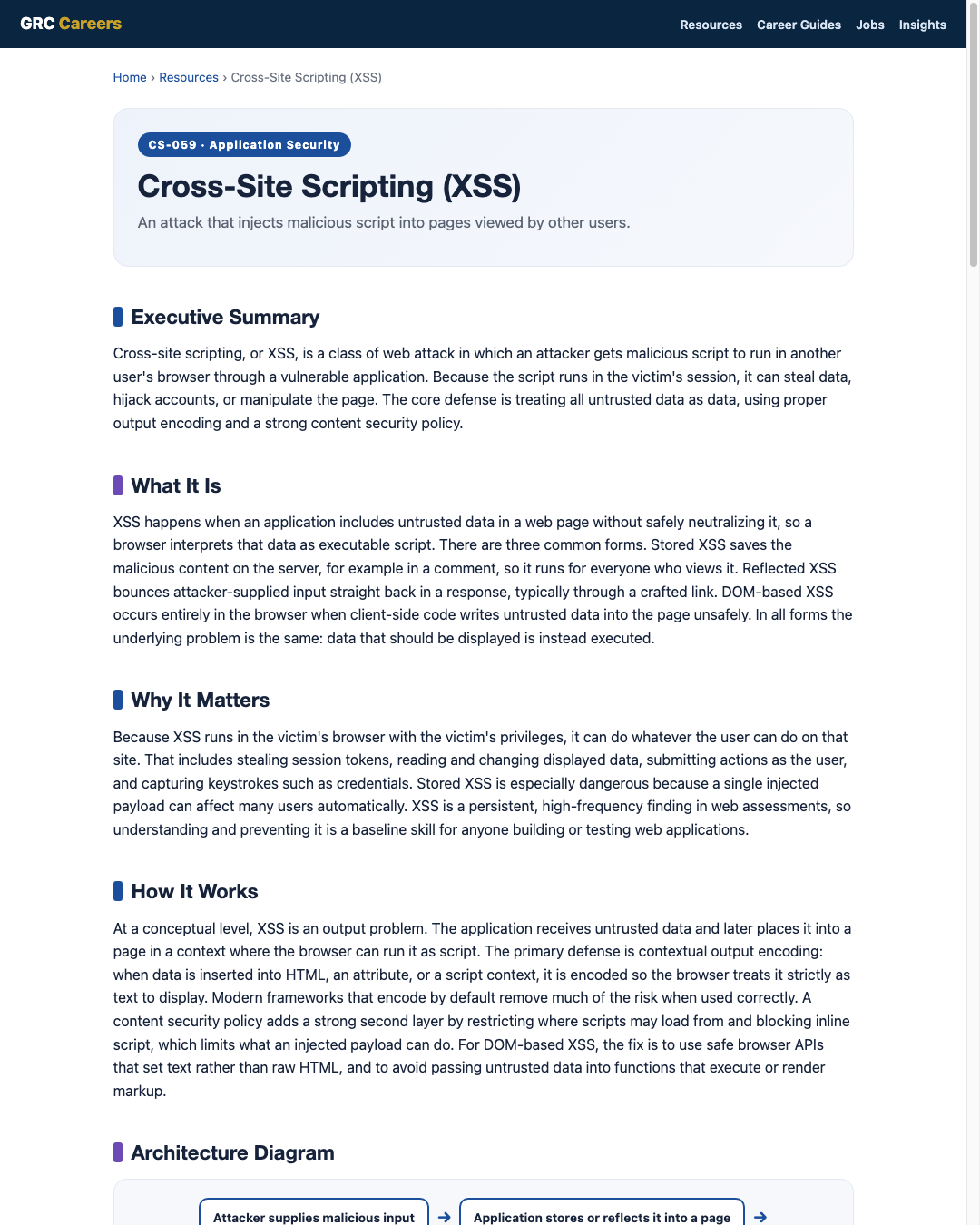
At a conceptual level, XSS is an output problem. The application receives untrusted data and later places it into a page in a context where the browser can run it as script. The primary defense is contextual output encoding: when data is inserted into HTML, an attribute, or a script context, it is encoded so the browser treats it strictly as text to display. Modern frameworks that encode by default remove much of the risk when used correctly. A content security policy adds a strong second layer by restricting where scripts may load from and blocking inline script, which limits what an injected payload can do. For DOM-based XSS, the fix is to use safe browser APIs that set text rather than raw HTML, and to avoid passing untrusted data into functions that execute or render markup.
Architecture Diagram
Visual Workflow
Common Attacks
- Stored XSS placed in a saved field that runs for every viewer
- Reflected XSS delivered through a crafted link that echoes input back
- DOM-based XSS where client-side code writes untrusted data into the page
- Stealing session tokens or performing actions as the logged-in user
- Injecting content into contexts the developer did not expect, such as attributes
Common Mistakes
- Inserting untrusted data into a page without contextual output encoding
- Encoding for one context, such as HTML, but not another, such as an attribute or script
- Using client-side APIs that render raw HTML from untrusted data
- Relying on blocklists that try to strip dangerous strings instead of encoding
- Skipping a content security policy that would blunt an injected payload
Best Practices
- Use contextual output encoding for every place untrusted data enters a page
- Prefer frameworks that encode by default and avoid unsafe bypasses
- Deploy a content security policy that restricts script sources and inline script
- Use safe DOM APIs that set text content rather than parsing raw HTML
- Validate and normalize input as a supporting layer, not the primary control
- Set cookies as HttpOnly so script cannot read session tokens
Quick Checklist
- Contextual output encoding applied for HTML, attribute, and script contexts
- Framework auto-encoding used and unsafe overrides reviewed
- Content security policy in place restricting script and blocking inline script
- Client-side code uses safe DOM APIs, not raw HTML rendering of input
- Session cookies set HttpOnly and Secure
- Stored, reflected, and DOM XSS tested before release
Recommended Tools
Flags unsafe rendering of untrusted data in source code
Probes a running application for reflected and stored XSS
Restricts script sources and inline script to limit injected payloads
Encodes output by default to prevent injection when used correctly
Industry Standards
XSS falls within the injection class of critical web application risk
Testable requirements for safe output handling and encoding
The Common Weakness Enumeration entry for cross-site scripting
Career Relevance
XSS is essential knowledge for application security engineers, penetration testers, and secure code reviewers, who find it routinely in web assessments. Front-end and full-stack developers are expected to prevent it through safe rendering and a content security policy, and GRC and audit teams treat it as a common risk indicator. For the AI-Governance-Jobs.com audience, distinguishing the three XSS types and naming the correct defense is a frequent interview test.
Interview Questions
- What is cross-site scripting, and what makes it dangerous?
- Explain the difference between stored, reflected, and DOM-based XSS.
- Why is contextual output encoding the primary defense against XSS?
- How does a content security policy reduce the impact of an XSS flaw?
- Why does setting cookies as HttpOnly help limit XSS damage?
Related Certifications
Further Reading
Key Takeaways
- XSS runs attacker script in another user's browser through a vulnerable app.
- The three main types are stored, reflected, and DOM-based.
- It is fundamentally an output problem, not just an input problem.
- Contextual output encoding is the primary defense.
- A content security policy and HttpOnly cookies add strong extra layers.
FAQ
What is the difference between stored and reflected XSS?
Stored XSS is saved on the server and runs for everyone who views the affected content, while reflected XSS is echoed back in a single response, usually through a crafted link that the victim must open.
Does a content security policy alone stop XSS?
No. A content security policy is a powerful second layer that limits what an injected script can do, but the primary fix is proper contextual output encoding so untrusted data is never treated as script in the first place.
Is DOM-based XSS different to fix?
Yes. Because it happens in the browser, the fix focuses on client-side code: use safe DOM APIs that set text rather than raw HTML, and avoid passing untrusted data into functions that render or execute markup.
Related Careers
Related certifications
GIAC Web Application Penetration Tester (GWAPT)Offensive Security Web Assessor (OSWA)CompTIA Security+Current openings
Suggested learning path
- Ground the basics with CS-001 Cybersecurity
- Study this sheet: Cross-Site Scripting (XSS)
- Go deeper: OWASP Top 10
- Go deeper: SQL Injection
- Validate it: work toward GIAC Web Application Penetration Tester (GWAPT)
- Find the role: browse current openings