Home › Resources › Android Security
Android Security
Protecting Android phones and tablets and the corporate data they carry.
Executive Summary
Android security is the practice of protecting Android phones and tablets and the corporate data they access. Android uses hardware-backed keys, verified boot, application sandboxing, and a permission model to isolate apps and data. In business settings, mobile management and clear policy separate work data from personal use and keep lost or risky devices from becoming a breach.
What It Is
Android security covers the platform protections built into the operating system and the controls organizations add on top. Platform features include a hardware-backed keystore, verified boot that checks the integrity of the system at startup, strict application sandboxing that isolates each app, a runtime permission model that lets users grant access selectively, and app scanning through Google Play Protect. On the business side, it includes mobile device management or mobile application management, work profiles that separate corporate and personal data, encryption, screen locks, and the ability to remotely lock or wipe a device.
Why It Matters
Phones and tablets now access email, chat, files, and multi-factor authentication prompts, which makes them a rich target and a common weak point. A lost, stolen, or compromised device can expose corporate accounts and data, and the mix of personal and work use on the same phone complicates control. For professionals, mobile security is a growing area as remote work and bring-your-own-device programs expand, and understanding Android's protections helps IT and security teams enable mobility without opening new risk.
How It Works
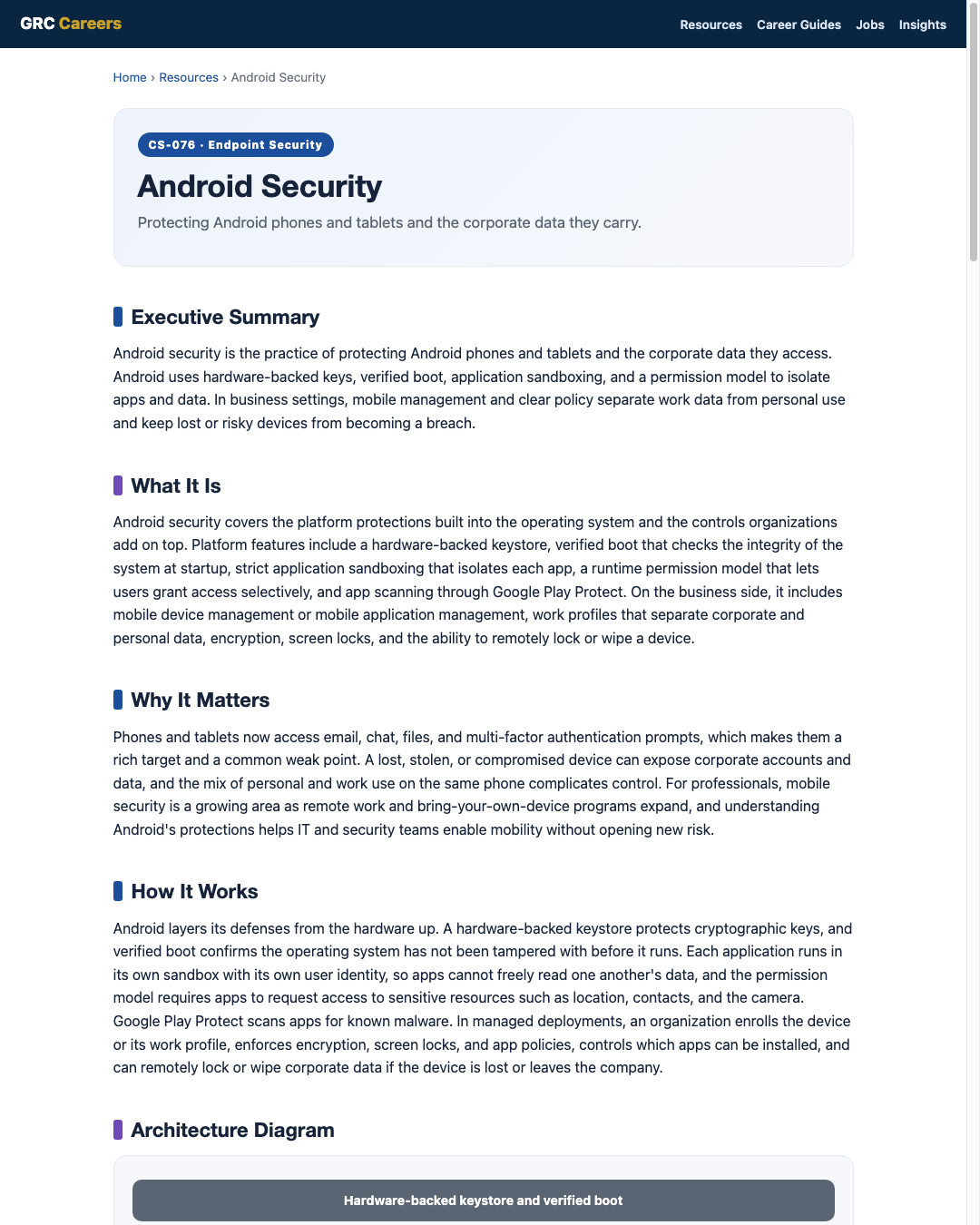
Android layers its defenses from the hardware up. A hardware-backed keystore protects cryptographic keys, and verified boot confirms the operating system has not been tampered with before it runs. Each application runs in its own sandbox with its own user identity, so apps cannot freely read one another's data, and the permission model requires apps to request access to sensitive resources such as location, contacts, and the camera. Google Play Protect scans apps for known malware. In managed deployments, an organization enrolls the device or its work profile, enforces encryption, screen locks, and app policies, controls which apps can be installed, and can remotely lock or wipe corporate data if the device is lost or leaves the company.
Architecture Diagram
Visual Workflow
Common Attacks
- Malicious apps installed from untrusted sources outside official app stores
- Phishing and smishing links that harvest credentials or push fake apps
- Over-permissioned apps that quietly collect data or abuse access
- Exploitation of devices running old, unpatched Android versions
- Loss or theft of an unencrypted or weakly locked device
Common Mistakes
- Allowing installation from unknown sources on managed devices
- Leaving devices unmanaged so corporate data mixes freely with personal use
- Ignoring update status and letting devices run outdated, unsupported versions
- Granting apps broad permissions without review
- Relying on a weak screen lock or none at all on devices holding work data
Best Practices
- Enroll devices or work profiles in mobile device or application management
- Require encryption, a strong screen lock, and prompt security updates
- Keep Google Play Protect enabled and install only from trusted sources
- Use a work profile to separate corporate data from personal use
- Review and limit app permissions, especially for sensitive access
- Enable remote lock and selective wipe for lost or departing devices
- Prefer devices with a strong, long update support commitment
Quick Checklist
- Managed enrollment or work profile in place for work devices
- Encryption and a strong screen lock enforced
- Security updates applied and unsupported devices retired
- Installs restricted to trusted sources with Play Protect on
- App permissions reviewed and minimized
- Remote lock and selective wipe configured and tested
- Compliance reporting reviewed regularly
Recommended Tools
Enrolls and enforces policy, encryption, and remote actions on devices
Separates and controls corporate data without owning the whole device
Built-in scanning of apps for known malicious behavior
Detects malicious apps, network attacks, and risky device states
Industry Standards
Guidance for managing the security of mobile devices in the enterprise
Prescriptive hardening settings for Android devices
Frames mobile controls under Identify, Protect, Detect, Respond, Recover
Career Relevance
Android security matters for endpoint security engineers, IT security administrators, and SOC analysts responsible for mobile fleets, as well as mobility and device management specialists. Security engineers and GRC professionals also need it to assess mobile risk and policy, part of the audience AI-Governance-Jobs.com serves.
Interview Questions
- How does Android's sandboxing and permission model protect corporate data?
- What is the difference between managing a full device and using a work profile?
- How would you handle bring-your-own-device Android phones accessing company email?
- Why does update support matter so much for Android security?
- What steps would you take if an employee reports a lost Android phone?
Related Certifications
Further Reading
Key Takeaways
- Android isolates apps and data through sandboxing, permissions, and hardware-backed keys.
- Verified boot and Play Protect defend the platform, but business use needs management on top.
- Work profiles separate corporate data from personal use on the same phone.
- Update support and encryption are decisive for keeping mobile data safe.
- Remote lock and selective wipe contain lost or departing devices.
FAQ
Is it safe to allow personal Android phones to access work email?
It can be, with the right controls. A work profile or application management separates and protects corporate data while keeping personal use private, and policies can require encryption, a screen lock, and updates before access is granted.
How risky are apps from outside the official store?
Higher risk. Official stores and Play Protect provide vetting that sideloaded apps bypass, which is a common way malware reaches Android. Managed devices should restrict installs to trusted sources.
Why does the Android version and update status matter?
Security updates fix known vulnerabilities. Devices on old, unsupported versions accumulate unpatched flaws, so choosing devices with strong update commitments and retiring unsupported ones is important.
Related Careers
Related certifications
CompTIA Security+CompTIA Mobility+Vendor mobile management certifications (device management track)Current openings
Suggested learning path
- Ground the basics with CS-001 Cybersecurity
- Study this sheet: Android Security
- Go deeper: iPhone / iOS Security
- Go deeper: Windows Security
- Validate it: work toward CompTIA Security+
- Find the role: browse current openings