Home › Resources › USB Security
USB Security
Managing the risks of USB drives, ports, and peripherals on endpoints.
Executive Summary
USB security is the practice of controlling the risks that removable drives, ports, and peripherals create on endpoints. A USB port is a direct, trusted path into a computer, which makes it useful for work but attractive for stealing data, spreading malware, and impersonating trusted devices. Managing it means combining policy, technical device control, and encryption of any media that is allowed.
What It Is
USB security covers how an organization governs what can connect to its computers through USB and what those devices are allowed to do. This includes removable storage such as flash drives and external disks, but also peripherals that can pretend to be keyboards or network adapters. Controls range from written policy and user training to technical device control that allows, blocks, or restricts USB devices by type or identity, plus requirements to encrypt any approved storage. The aim is to keep data from walking out and to keep hostile devices from walking in.
Why It Matters
USB ports bypass many network defenses because they connect directly to the endpoint, so a single dropped or malicious drive can introduce malware or a device that types commands as if it were the user. USB storage is also a common route for data leaving an organization, whether by theft or by an honest mistake, and lost unencrypted drives have caused many reported data breaches. For professionals, USB and removable media control is a recurring requirement in security policy, data protection, and compliance work.
How It Works
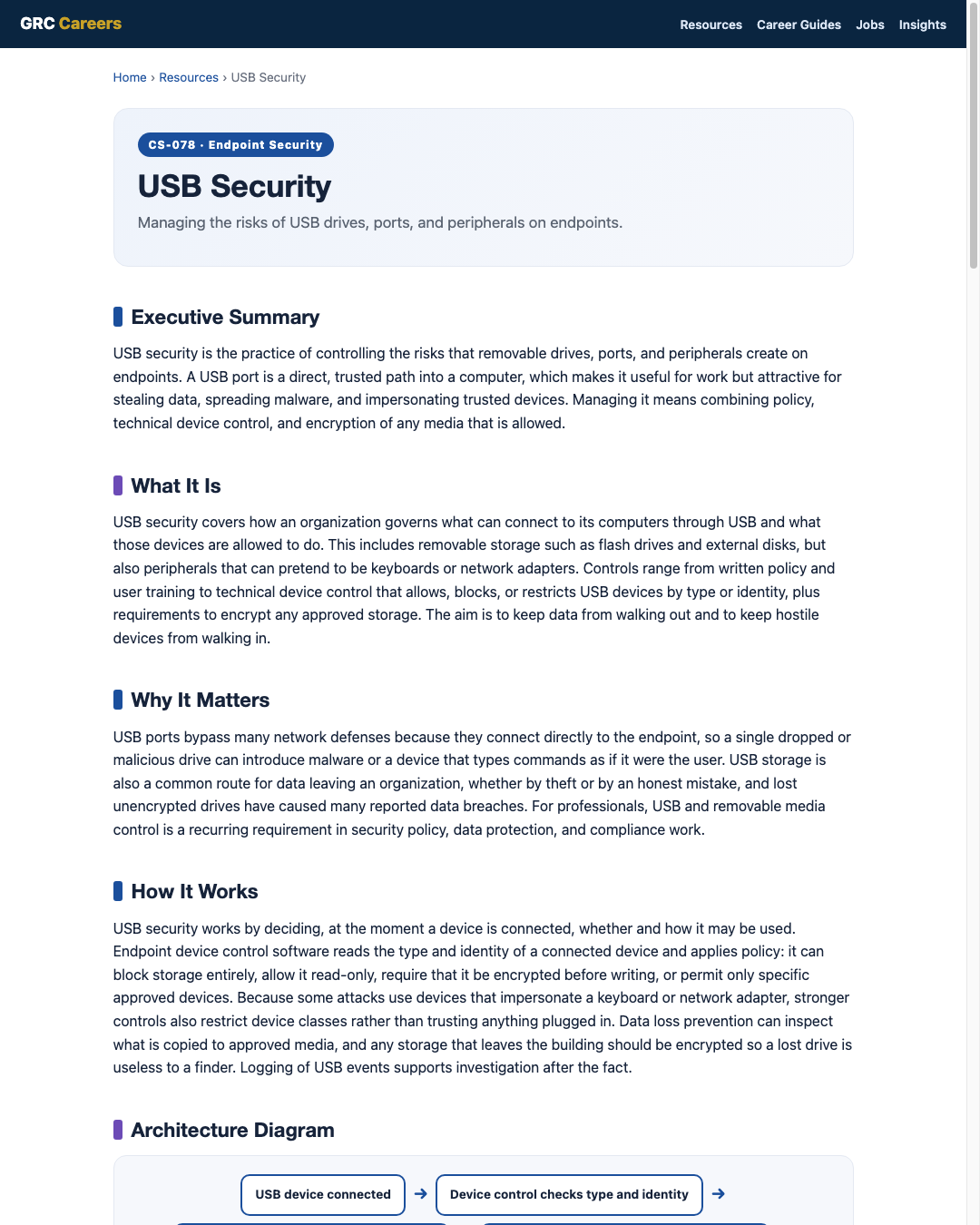
USB security works by deciding, at the moment a device is connected, whether and how it may be used. Endpoint device control software reads the type and identity of a connected device and applies policy: it can block storage entirely, allow it read-only, require that it be encrypted before writing, or permit only specific approved devices. Because some attacks use devices that impersonate a keyboard or network adapter, stronger controls also restrict device classes rather than trusting anything plugged in. Data loss prevention can inspect what is copied to approved media, and any storage that leaves the building should be encrypted so a lost drive is useless to a finder. Logging of USB events supports investigation after the fact.
Architecture Diagram
Visual Workflow
Common Attacks
- Malicious dropped drives that infect a computer when plugged in and opened
- Devices that impersonate a keyboard to type commands automatically
- Data theft by copying sensitive files to a personal USB drive
- Malware that spreads by copying itself onto connected removable media
- Rogue charging or peripheral devices that carry hidden storage or attack hardware
Common Mistakes
- Allowing any USB storage to connect with no device control at all
- Permitting unencrypted drives to carry sensitive data off site
- Trusting all peripheral classes instead of restricting risky ones
- Relying on user awareness alone without technical enforcement
- Keeping no logs of what was connected or copied
Best Practices
- Set and communicate a clear removable media policy
- Enforce device control that allows, blocks, or restricts USB devices by type and identity
- Default storage to blocked or read-only and grant approved exceptions
- Require encryption for any USB storage that holds data
- Restrict device classes that can act as keyboards or network adapters
- Use data loss prevention to inspect what is copied to approved media
- Log USB events and train users to never plug in unknown drives
Quick Checklist
- Removable media policy documented and communicated
- Endpoint device control deployed and enforcing
- Storage defaulted to blocked or read-only with managed exceptions
- Encryption required for all approved USB storage
- Risky device classes restricted
- Data loss prevention inspecting copies to approved media
- USB events logged and reviewed
Recommended Tools
Allows, blocks, or restricts USB devices by type and identity
Encrypts data on approved USB storage so lost drives are useless
Inspects and controls sensitive data copied to removable media
Records device connections and file transfers for investigation
Industry Standards
Controls for use, encryption, and handling of removable media
Includes controls for managing and restricting removable media
Frames media controls under Identify, Protect, Detect, Respond, Recover
Career Relevance
USB and removable media control is core to endpoint security engineers, IT security administrators, and data protection specialists, and it shows up in SOC investigations of data theft and malware. Security engineers and GRC auditors also assess removable media policy against frameworks, part of the audience AI-Governance-Jobs.com serves.
Interview Questions
- How would you design a removable media policy and enforce it technically?
- Why is a USB port a higher-risk entry point than a network connection?
- What is a device that impersonates a keyboard, and how do you defend against it?
- How would you allow business use of USB drives while protecting data?
- What logs would help you investigate suspected data theft over USB?
Related Certifications
Further Reading
Key Takeaways
- A USB port is a direct, trusted path into a computer, which makes it a real risk.
- USB threats run both ways: hostile devices coming in and data going out.
- Device control that allows, blocks, or restricts devices is the core technical safeguard.
- Any approved storage should be encrypted so a lost drive is useless.
- Policy, encryption, logging, and user training work together, not alone.
FAQ
Should we just block all USB ports?
Full blocking is simplest but often impractical because some peripherals and workflows need USB. Many organizations default storage to blocked or read-only, allow approved encrypted drives, and restrict risky device classes, which balances usability and risk.
Why is an unknown dropped USB drive dangerous?
Plugging one in can run malware or connect a device that types commands as if it were you. Because the port is trusted, this bypasses many network defenses, so users should never connect drives of unknown origin.
Is encrypting USB drives really necessary?
Yes for any drive that holds sensitive data. Lost and stolen unencrypted drives are a common cause of reported breaches, and encryption makes the data useless to whoever finds the device.
Related Careers
Related certifications
CompTIA Security+ISC2 Certified in Cybersecurity (CC)GIAC Security Essentials (GSEC)Current openings
Suggested learning path
- Ground the basics with CS-001 Cybersecurity
- Study this sheet: USB Security
- Go deeper: Windows Security
- Go deeper: BitLocker
- Validate it: work toward CompTIA Security+
- Find the role: browse current openings