Home › Resources › iPhone / iOS Security
iPhone / iOS Security
Protecting Apple iPhones and iPads and the corporate data they access.
Executive Summary
iOS security is the practice of protecting Apple iPhones and iPads and the corporate data they access. iOS has one of the strongest default security models in mobile, built on the Secure Enclave, a locked-down secure boot chain, strict app sandboxing, and a reviewed app distribution model. In business settings, mobile management adds policy, data separation, and remote actions on top of these protections.
What It Is
iOS security covers the platform protections Apple builds into iPhone and iPad and the controls organizations add for work use. Platform features include a dedicated Secure Enclave that protects keys and biometric data, hardware-backed device encryption tied to the passcode, a secure boot chain that verifies system integrity, strict application sandboxing, and app review and code signing that limit what software can run. For business, it includes enrollment in mobile device management, configuration profiles, separation of managed and personal data, and the ability to remotely lock or wipe a device.
Why It Matters
iPhones and iPads carry email, messaging, files, and authentication apps, making them a high-value target and a potential entry point into corporate accounts. iOS raises the cost of attacks with strong defaults, but users still face phishing, malicious profiles, and lost or stolen devices, and unmanaged devices can hold company data with no oversight. For professionals, iOS security is central to mobility programs and bring-your-own-device policies, and understanding Apple's model helps teams enable mobile work safely.
How It Works
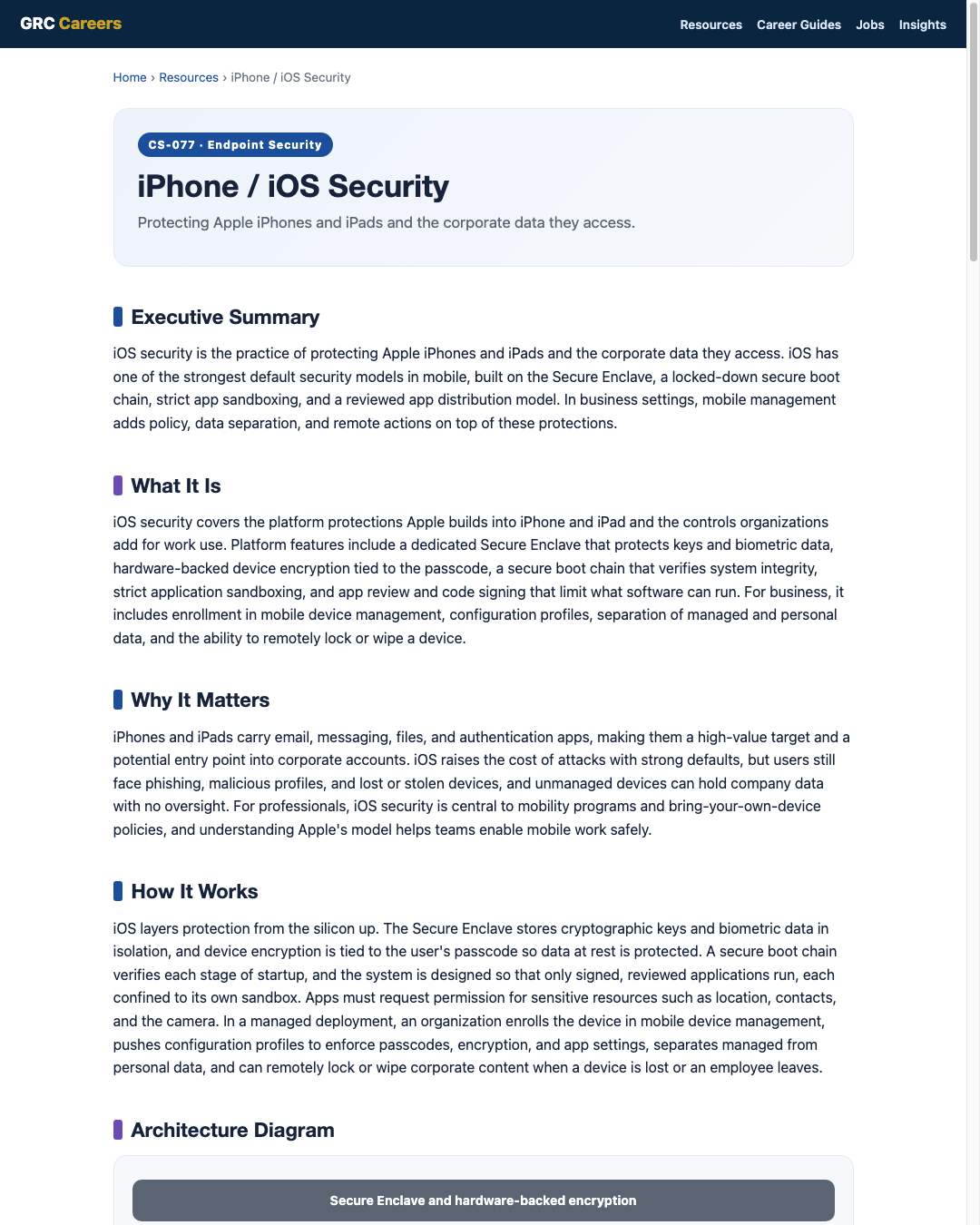
iOS layers protection from the silicon up. The Secure Enclave stores cryptographic keys and biometric data in isolation, and device encryption is tied to the user's passcode so data at rest is protected. A secure boot chain verifies each stage of startup, and the system is designed so that only signed, reviewed applications run, each confined to its own sandbox. Apps must request permission for sensitive resources such as location, contacts, and the camera. In a managed deployment, an organization enrolls the device in mobile device management, pushes configuration profiles to enforce passcodes, encryption, and app settings, separates managed from personal data, and can remotely lock or wipe corporate content when a device is lost or an employee leaves.
Architecture Diagram
Visual Workflow
Common Attacks
- Phishing and smishing links that steal credentials or push fake sign-in pages
- Malicious or deceptive configuration profiles that reroute traffic or add trust
- Social engineering that convinces users to approve risky prompts
- Exploitation of devices running old, unpatched iOS versions
- Loss or theft of a device with a weak or no passcode
Common Mistakes
- Leaving corporate iPhones and iPads unmanaged with no policy or visibility
- Delaying iOS updates that close known security holes
- Allowing untrusted configuration profiles to be installed
- Using a short or simple passcode on devices holding work data
- Not configuring remote lock and wipe before a device is lost
Best Practices
- Enroll corporate devices in mobile device management with a hardening baseline
- Enforce a strong passcode, encryption, and prompt iOS updates
- Separate managed corporate data from personal content
- Block or review configuration profiles from untrusted sources
- Require multi-factor authentication for corporate and cloud accounts
- Enable Find My style location and remote lock and wipe for lost devices
- Consider stronger lockdown protections for high-risk or high-profile users
Quick Checklist
- Corporate devices enrolled in mobile device management
- Strong passcode and encryption enforced by policy
- iOS updates applied promptly and old versions retired
- Managed and personal data separated
- Untrusted configuration profiles blocked or reviewed
- MFA enforced for corporate and cloud sign-in
- Remote lock and wipe configured and tested
Recommended Tools
Enrolls devices and enforces passcodes, encryption, and remote actions
Apply and lock down settings such as passcode rules and restrictions
Hardware-backed protection of keys and data at rest
Detects phishing, risky profiles, and compromised device states
Industry Standards
Guidance for managing the security of mobile devices in the enterprise
Prescriptive hardening settings for iPhone and iPad
Frames mobile controls under Identify, Protect, Detect, Respond, Recover
Career Relevance
iOS security matters for endpoint security engineers, IT security administrators, and SOC analysts supporting mobile fleets, plus Apple-focused device management specialists. Security engineers and GRC professionals also rely on it to assess mobile risk and policy, part of the audience AI-Governance-Jobs.com serves.
Interview Questions
- What makes the iOS security model strong by default, and where are the remaining risks?
- How does mobile device management change control over a corporate iPhone?
- Why are malicious configuration profiles a concern, and how do you limit them?
- How would you handle a lost iPhone that holds company email?
- What extra protections would you consider for a high-profile or high-risk user?
Related Certifications
Further Reading
Key Takeaways
- iOS has strong defaults built on the Secure Enclave, secure boot, and app sandboxing.
- App review and code signing limit what software can run on the device.
- Business use still needs management for policy, data separation, and remote actions.
- Prompt updates, strong passcodes, and blocking untrusted profiles close the main gaps.
- Remote lock and wipe contain lost or departing devices.
FAQ
Do iPhones need extra security software?
iOS has strong built-in protections, so traditional antivirus is less relevant than on desktops. Businesses instead add mobile device management for policy and remote actions, and sometimes mobile threat defense to detect phishing and risky device states.
What is the risk of installing a configuration profile?
A malicious or deceptive profile can change trusted settings, reroute network traffic, or add certificates that enable interception. Users should only install profiles from trusted sources, and managed devices should restrict them.
Is bring-your-own-device safe for iPhones?
It can be with the right controls. Management can separate corporate data from personal content and enforce passcodes, encryption, and updates, so company information stays protected while personal use remains private.
Related Careers
Related certifications
CompTIA Security+Apple Certified Support ProfessionalVendor mobile management certifications (device management track)Current openings
Suggested learning path
- Ground the basics with CS-001 Cybersecurity
- Study this sheet: iPhone / iOS Security
- Go deeper: Android Security
- Go deeper: macOS Security
- Validate it: work toward CompTIA Security+
- Find the role: browse current openings