Home › Resources › Linux Security
Linux Security
Hardening and defending Linux servers, workstations, and the services they run.
Executive Summary
Linux security is the practice of hardening and defending systems running Linux, which power much of the internet, cloud infrastructure, and containers. Its strength comes from a clear permission model, strong access controls, and transparency that lets defenders see and tune almost everything. Getting it right means minimizing what runs, restricting who can do what, and watching the logs closely.
What It Is
Linux security covers the controls that keep Linux servers and workstations trustworthy: file and directory permissions, user and group management, privilege escalation through sudo, secure remote access over SSH, and mandatory access control frameworks such as SELinux and AppArmor. It also includes reducing the attack surface by removing unused packages and services, applying updates from trusted repositories, and collecting system and authentication logs. Because Linux is highly configurable, security depends heavily on disciplined administration rather than a single product.
Why It Matters
Linux runs a large share of web servers, databases, cloud workloads, and containers, so a compromised Linux host often sits close to valuable data or critical infrastructure. Attackers routinely scan for exposed services, weak SSH configurations, and unpatched software, and a single misstep can hand over an entire fleet. For professionals, Linux administration and hardening are in constant demand across cloud, DevOps, and security roles, and deep familiarity with the permission model and command line is a lasting advantage.
How It Works
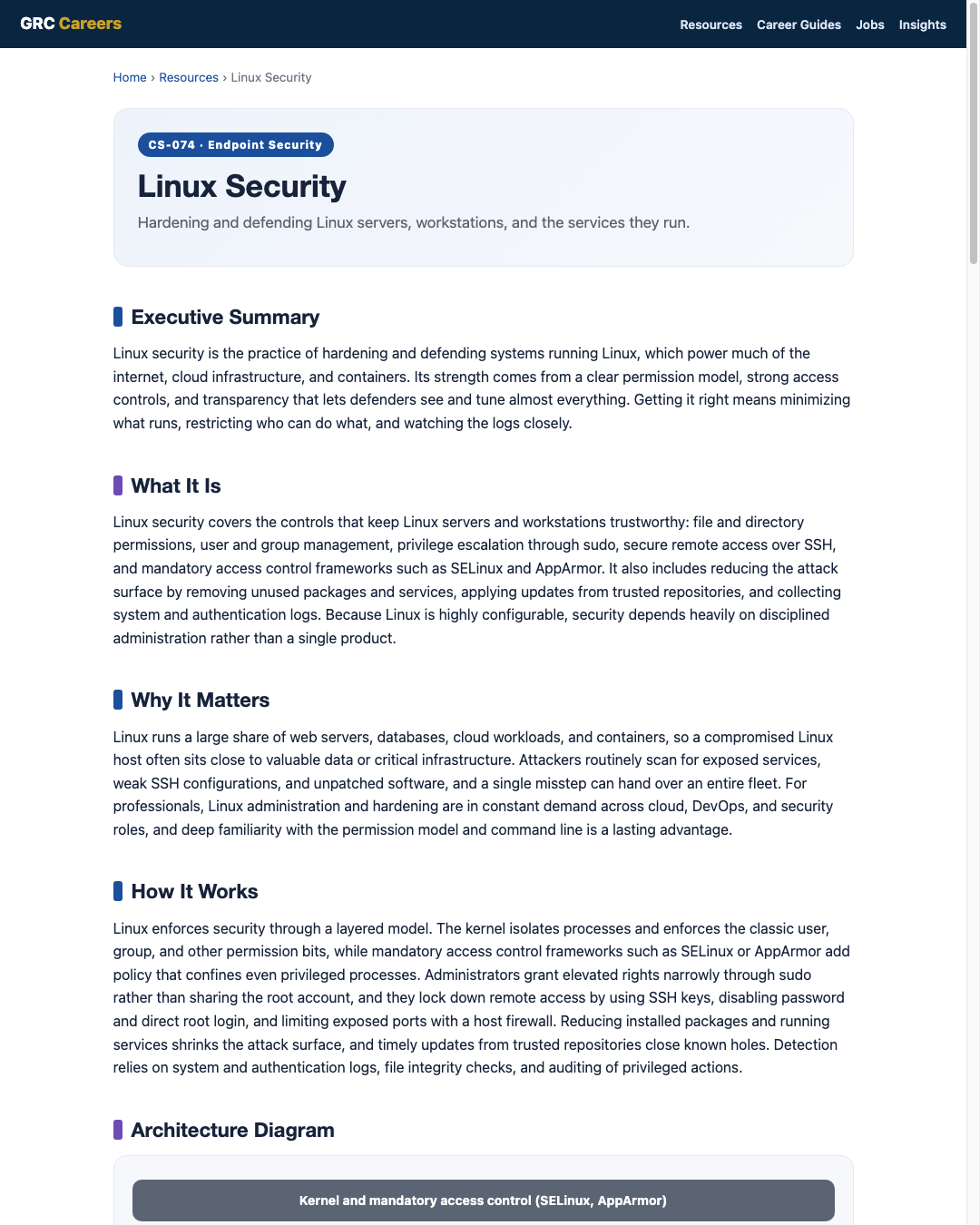
Linux enforces security through a layered model. The kernel isolates processes and enforces the classic user, group, and other permission bits, while mandatory access control frameworks such as SELinux or AppArmor add policy that confines even privileged processes. Administrators grant elevated rights narrowly through sudo rather than sharing the root account, and they lock down remote access by using SSH keys, disabling password and direct root login, and limiting exposed ports with a host firewall. Reducing installed packages and running services shrinks the attack surface, and timely updates from trusted repositories close known holes. Detection relies on system and authentication logs, file integrity checks, and auditing of privileged actions.
Architecture Diagram
Visual Workflow
Common Attacks
- Brute-force or credential-stuffing attacks against exposed SSH services
- Exploitation of unpatched web applications or services running on the host
- Privilege escalation through misconfigured sudo, SUID binaries, or kernel flaws
- Malicious or compromised packages and dependencies pulled from untrusted sources
- Cryptomining or backdoor payloads dropped after an initial foothold
Common Mistakes
- Allowing password-based or direct root SSH login from the internet
- Running services as root when a limited service account would do
- Setting overly broad file permissions such as world-writable directories
- Disabling SELinux or AppArmor instead of writing a correct policy
- Skipping updates on long-lived servers until they fall far behind
Best Practices
- Adopt a hardening baseline such as a CIS Benchmark for the distribution
- Use SSH keys, disable password and direct root login, and restrict source addresses
- Keep SELinux or AppArmor enforcing rather than disabled
- Grant least privilege through narrowly scoped sudo rules
- Remove unused packages and services to shrink the attack surface
- Enable a host firewall and expose only the ports that are required
- Centralize system, authentication, and audit logs and patch on a schedule
Quick Checklist
- Hardening baseline applied for the specific distribution
- SSH restricted to keys, no root login, and limited source addresses
- SELinux or AppArmor enabled and enforcing
- sudo rules scoped to least privilege and reviewed
- Host firewall active with only required ports open
- System, auth, and audit logs forwarded to central monitoring
- Updates applied on a defined schedule with reboots planned
Recommended Tools
Mandatory access control that confines processes beyond basic permissions
Encrypted remote access hardened by keys instead of passwords
Restricts inbound and outbound network exposure per host
Records privileged actions and forwards logs for monitoring
Industry Standards
Distribution-specific hardening guidance tested by the community
Control catalog mapping to Linux access control and audit requirements
Frames Linux controls under Identify, Protect, Detect, Respond, Recover
Career Relevance
Linux security is essential for security engineers, endpoint and server security specialists, SOC analysts, and cloud and DevOps roles, since so much infrastructure runs on Linux. IT security administrators and GRC auditors also rely on it to assess server hardening against benchmarks, part of the audience AI-Governance-Jobs.com serves.
Interview Questions
- How would you harden SSH access to an internet-facing Linux server?
- Explain the Linux permission model and how sudo fits into least privilege.
- What is the difference between SELinux and AppArmor, and why keep them enforcing?
- How would you reduce the attack surface of a default server build?
- Which logs would you review to investigate a suspected Linux compromise?
Related Certifications
Further Reading
Key Takeaways
- Linux powers much of the internet and cloud, so its hardening protects critical assets.
- Security depends on the permission model, narrow privilege through sudo, and enforcing mandatory access control.
- Locking down SSH and shrinking the service footprint removes the most common entry points.
- Keeping SELinux or AppArmor enforcing confines even privileged processes.
- Central logging and auditing turn quiet server compromises into detectable events.
FAQ
Do I really need SELinux or AppArmor if permissions are set correctly?
Yes. Standard permissions control who can access files, but mandatory access control confines what a process can do even if it runs as root or is compromised. Keeping it enforcing adds a strong layer that basic permissions cannot provide.
Why disable password login for SSH?
Password logins are constantly attacked by automated brute-force and credential-stuffing tools. Key-based authentication removes that entire class of attack, and disabling direct root login further limits what a stolen credential can reach.
How do I start hardening a Linux server quickly?
Apply a CIS Benchmark for the distribution, lock down SSH to keys with no root login, enable a host firewall, remove unused packages, keep the system patched, and forward logs to central monitoring.
Related Careers
Related certifications
CompTIA Linux+CompTIA Security+GIAC Certified UNIX Security Administrator (GCUX)Current openings
Suggested learning path
- Ground the basics with CS-001 Cybersecurity
- Study this sheet: Linux Security
- Go deeper: Windows Security
- Go deeper: macOS Security
- Validate it: work toward CompTIA Linux+
- Find the role: browse current openings